Church digital signage: a practical guide
Church digital signage means the TVs in your lobby, hallways and rooms show announcements, events and welcome messages that staff update from one place. Here's what you need, what to show, and how to keep it simple enough for volunteers.
What churches put on their screens
- A welcome wall in the main lobby: the church name, a photo slideshow and a service countdown.
- Upcoming events, so people see what's next without a printed bulletin.
- Room signs outside classrooms and youth spaces that say what's happening in that room right now.
- Wayfinding for kids' check-in, the nursery, restrooms and the worship center.
- Weather and the time, which make a screen feel live and get people to look at it.
What you need
- A TV with HDMI. Any TV works. Commercial displays last longer if a screen runs all day.
- A small player behind each TV. With LobbyLoop that's a Raspberry Pi 4 or 5, about $60 with a power supply and SD card, or any computer that runs Chrome.
- Internet for each player. Wired Ethernet is the most reliable; Wi-Fi works.
- Signage software to design what each screen shows and publish it.
Why not a USB stick or a PowerPoint loop?
They work for one TV. With more than one, someone has to walk to every screen each week, the TVs drift out of sync, and nobody knows when one is showing last month's slides. Signage software fixes all three: you change it once, every screen updates, and you can see which TVs are online.
Keep it easy for volunteers
- Design once, reuse every week. Build a Sunday layout, a Wednesday layout and a Christmas layout, then put them on a schedule.
- Let content come in on its own. A shared Google Drive folder of photos, or events pulled from Planning Center, means fewer manual updates.
- Give people only what they need. A volunteer who runs the kids' wing screens doesn't need access to the main lobby wall.
- No passwords to forget. LobbyLoop signs people in with a one-time code by email.
How LobbyLoop does it
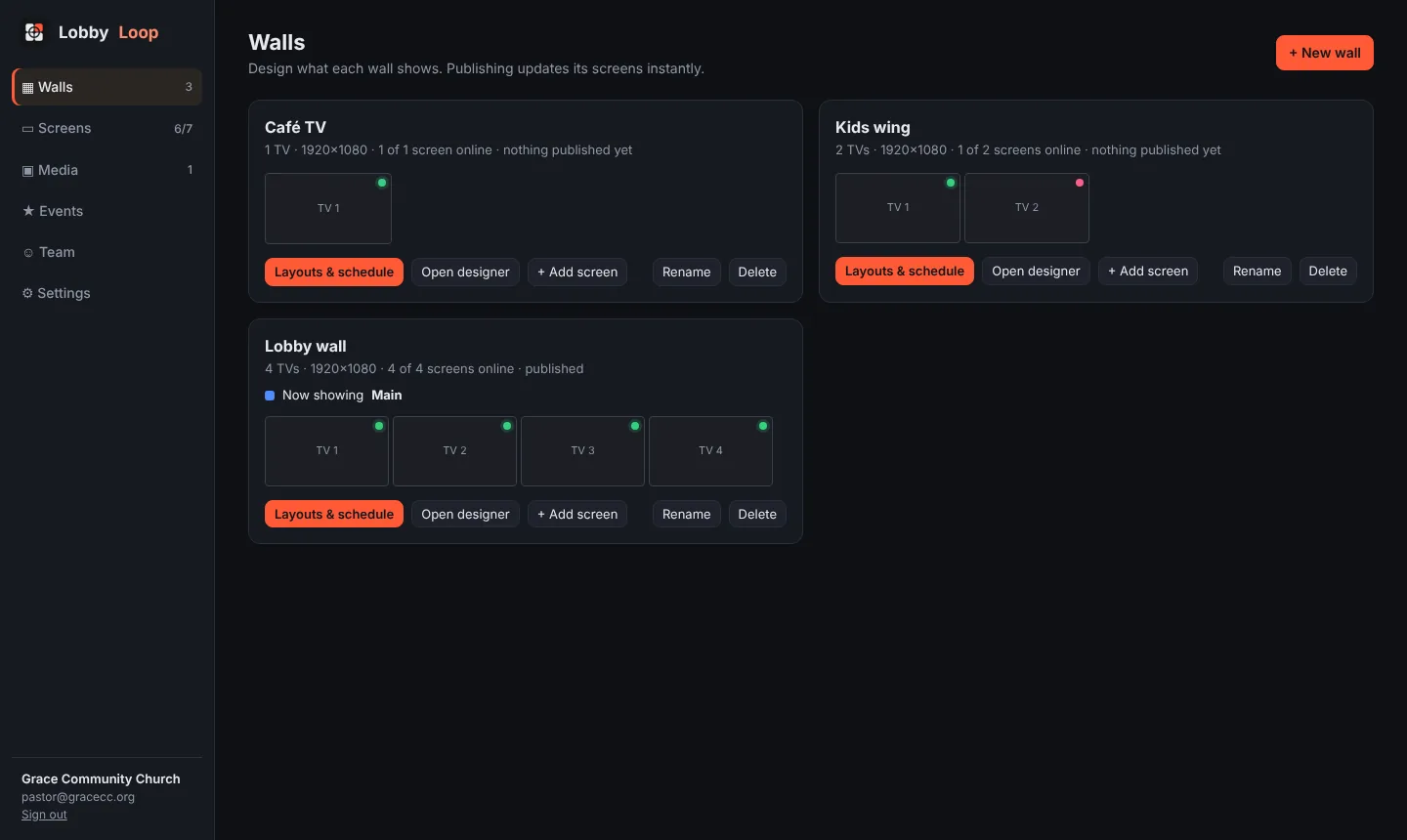
LobbyLoop is digital signage made for churches. You design a wall in the browser, click Publish, and every TV on that wall updates within about a second. It does multi-TV video walls, Planning Center room signs, weekly schedules, playlists, Google Drive folders, live weather and email alerts when a TV goes offline. Players keep showing the last content if the internet drops.
Questions
How much does church digital signage cost?
Hardware is a TV plus a player. A Raspberry Pi player is about $60 with a power supply and SD card. LobbyLoop is free during its beta, and beta churches will get a discount when it launches.
Can we use the TVs we already have?
Yes. Any TV with an HDMI input works. Plug a Raspberry Pi or a computer running Chrome into it.
Do we need Planning Center?
No. LobbyLoop works on its own. If your church uses Planning Center, you can connect it for room signs and a board of upcoming Church Center events.
What happens if the internet goes down on Sunday?
Each LobbyLoop player keeps showing its last published content and reconnects by itself. Scheduled layouts still switch on time.
How long does setup take?
Writing the SD card and pairing a TV takes a few minutes per screen. The setup guide walks through it.